On the board
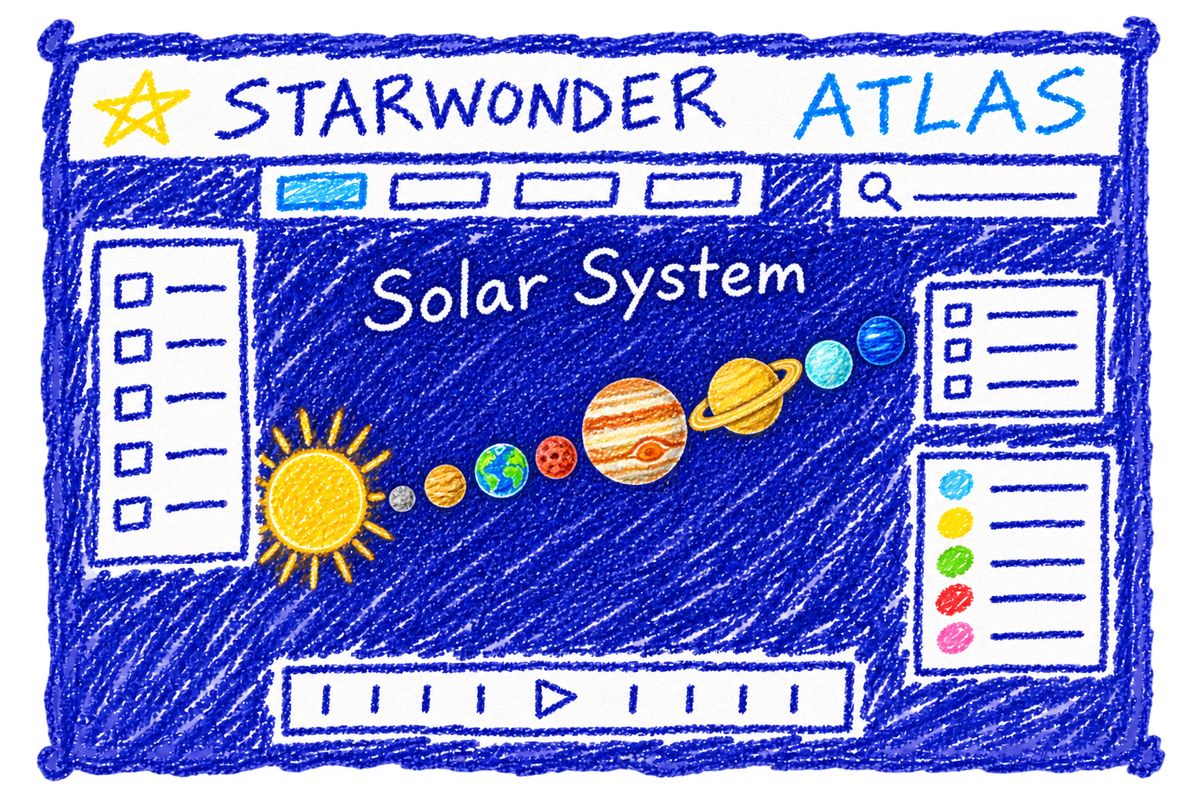
Lead the class through the solar system from the front of the room. Fly to Mars, replay a mission or show how crowded Earth’s orbit has become, and let the questions come.
Starwonder Atlas puts every planet, moon, satellite and crewed mission on your classroom screen, exactly where they are today. It is free, simple to use, and built with teachers in mind.

Starwonder is a nonprofit initiative. There is no trial, no premium version and nothing to buy.
Students open it and start exploring. Nobody signs up and no personal information is collected.
Nothing on screen competes for your students’ attention, and nothing follows them around afterwards.
It runs in the browser on laptops, Chromebooks, tablets, phones and classroom smartboards, with nothing to install.
Lead the class through the solar system from the front of the room. Fly to Mars, replay a mission or show how crowded Earth’s orbit has become, and let the questions come.
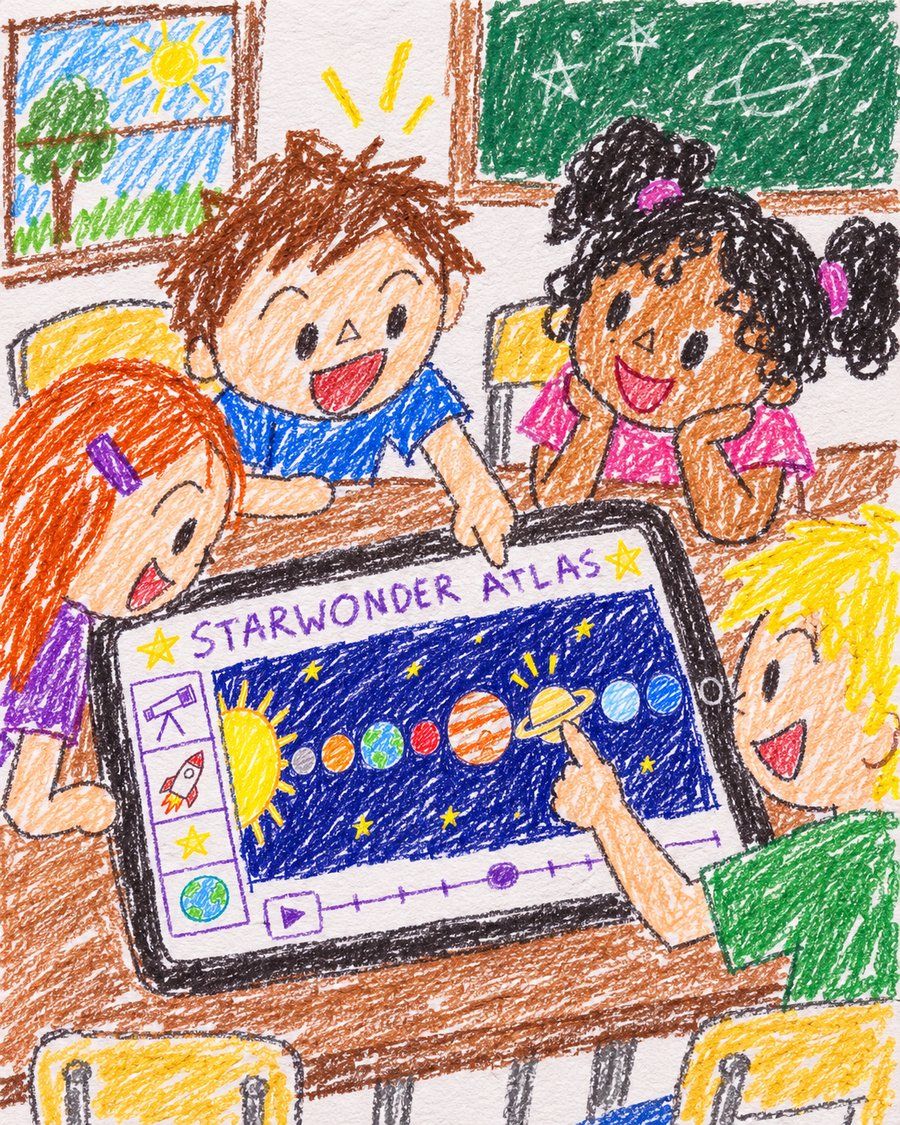
Give students a question to answer, such as how far Jupiter is today or what launched in the year they were born, and let them find it themselves.
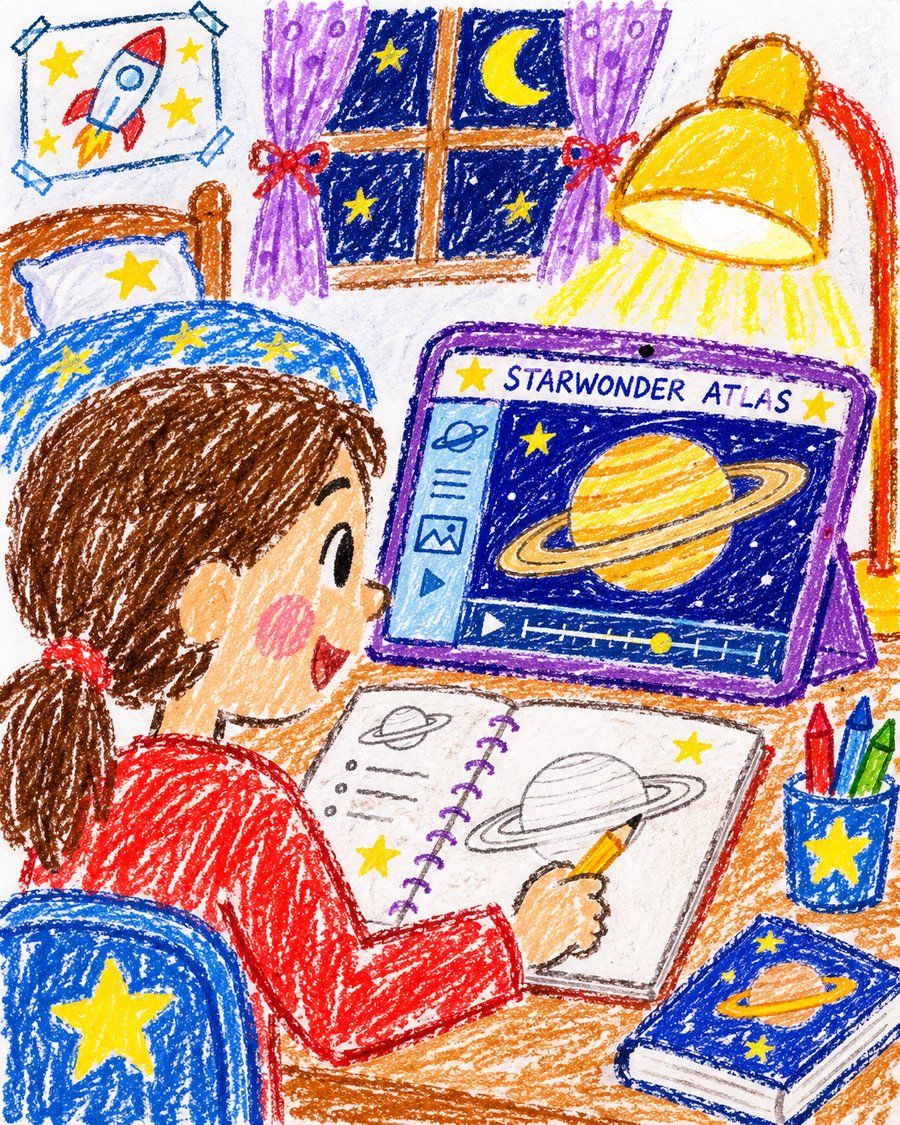
Send a short exploration as homework. All students need is a link, and families often end up exploring together.
Yes. Starwonder is a nonprofit initiative, and the Atlas is free for schools, students and families. There is no paid version.
No. There is nothing to sign up for, and no personal information is collected.
Any modern browser, including Chrome, Safari, Edge and Firefox, on laptops, Chromebooks, tablets, phones and smartboards. Because it shows the solar system in 3D, newer devices give the smoothest experience.
Yes. The Atlas loads live positions for planets, spacecraft and satellites, so it needs to be online. A normal school connection is enough.
It runs from starwonder.org like any other website. If your school blocks unfamiliar sites, ask your IT team to allow starwonder.org.
Positions come from established sources such as NASA, JPL, the IAU Minor Planet Center and CelesTrak. Click any object in the Atlas to see where its data comes from.
It works across ages. Younger students love simply exploring the planets and missions, while older students can dig into orbits, distances and the history of spaceflight.
Starwonder is being shaped by the teachers who use it. Tell us how you use the Atlas, what worked, what did not, or what would make your next lesson easier.
If you would like to become one of our early teacher partners, just say so in your note.
Write to us